MacroPoint tracking statuses explained
Quick answer
What each Descartes MacroPoint tracking status means and what to do about it.
These are the statuses in the Descartes MacroPoint portal. Use them to tell whether a load is tracking, waiting, or needs action.
Tracking is working / expected
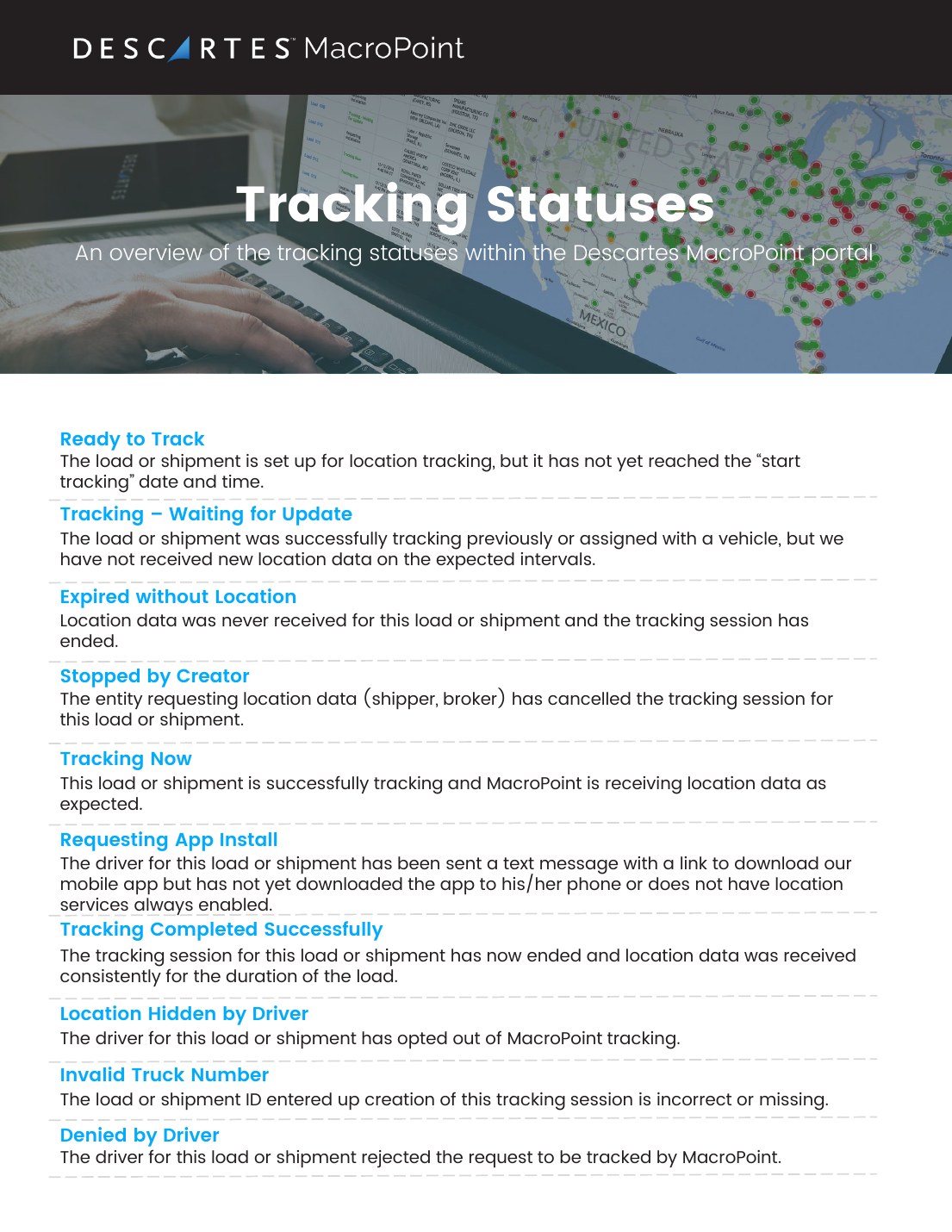
Ready to Track
Set up for tracking but hasn't reached its start date/time yet.
Tracking Now
Successfully tracking — MacroPoint is receiving location data as expected.
Tracking – Waiting for Update
It was tracking (or an asset was assigned) but new location data hasn't arrived on the expected interval.
Tracking Completed Successfully
The session ended and location data was received consistently for the whole load.
Requesting App Install / Requesting Installation
The driver was texted a link to install the app but hasn't yet (or hasn't enabled Always location). 'Requesting Installation' (Canada) doesn't require the app; US/Mexico do.
Needs attention
Invalid Truck Number / Invalid Trailer Number
The truck/trailer ID on the session is missing, incorrect, or a dummy value. Fix the asset ID.
Phone Not Locatable / Incompatible Phone
The driver's phone doesn't support the app and can't track for this load.
Reported Wrong Number / Reported Landline
The phone number is invalid or a landline, so it can't be tracked.
Driver Phone Unresponsive
The device isn't responding to MacroPoint's ping requests.
Ended / driver opted out
Stopped by Creator
The requester (shipper/broker) cancelled the tracking session.
Stopped Early by Driver
The driver ended the session before completion.
Location Hidden / Denied / Refused Installation
The driver opted out of tracking, rejected the request, or declined to install the app.
Expired statuses
Expired without Location, Expired Without Installation, Expired with Location Hidden, or Expired with Driver Phone Unresponsive — the session ended without usable location for that reason.
💡 Trip Sheet statuses (Deployed / In Progress / Completed / Expired) track a trip sheet's progress. Questions on a specific load: [email protected] or (888) 544-3844 ext. 2.
Related guides
AI summary
Source: Tracking Help Center — load-tracking help from the makers of BotLine.
Still stuck?
Ask the AI assistant a question, or check the FAQ.