Missing assets — troubleshooting (telematics)
Quick answer
Why a truck or trailer may not appear in the available-assets list, with general and provider-specific fixes.
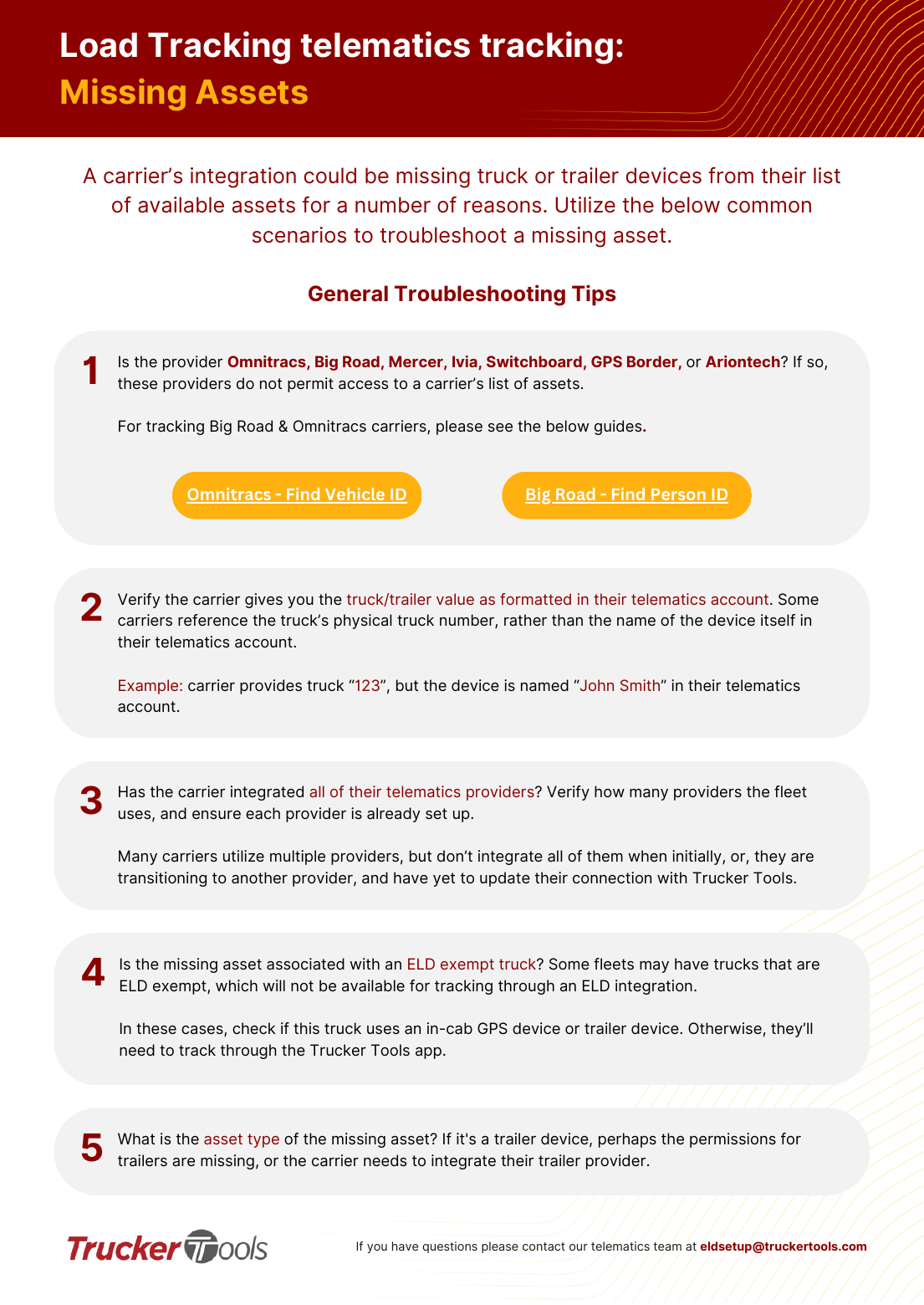
A carrier's integration can be missing assets for several reasons. Work through these scenarios.
General troubleshooting
Provider doesn't expose an asset list
Omnitracs, Big Road, Mercer, Ivia, Switchboard, GPS Border, and Ariontech don't permit access to the carrier's asset list. For Big Road & Omnitracs, find the Person ID / Vehicle ID and enter that on the load.
Asset value formatting mismatch
Verify the carrier gives you the truck/trailer value exactly as it's formatted in their telematics account. Some give the physical truck number rather than the device name. Example: carrier says truck '123' but the device is named 'John Smith' in their account.
Not all providers integrated
Confirm how many providers the fleet uses and that each is set up. Many carriers run multiple providers but only integrate some — or they're switching providers and haven't updated the Trucker Tools connection.
ELD-exempt truck
An ELD-exempt truck won't be available via an ELD integration. Check whether it has an in-cab GPS or trailer device; otherwise the driver must track via the Trucker Tools app.
Trailer-device permissions
If the missing asset is a trailer device, trailer permissions may be missing or the carrier hasn't integrated their trailer provider.
Provider-specific fixes
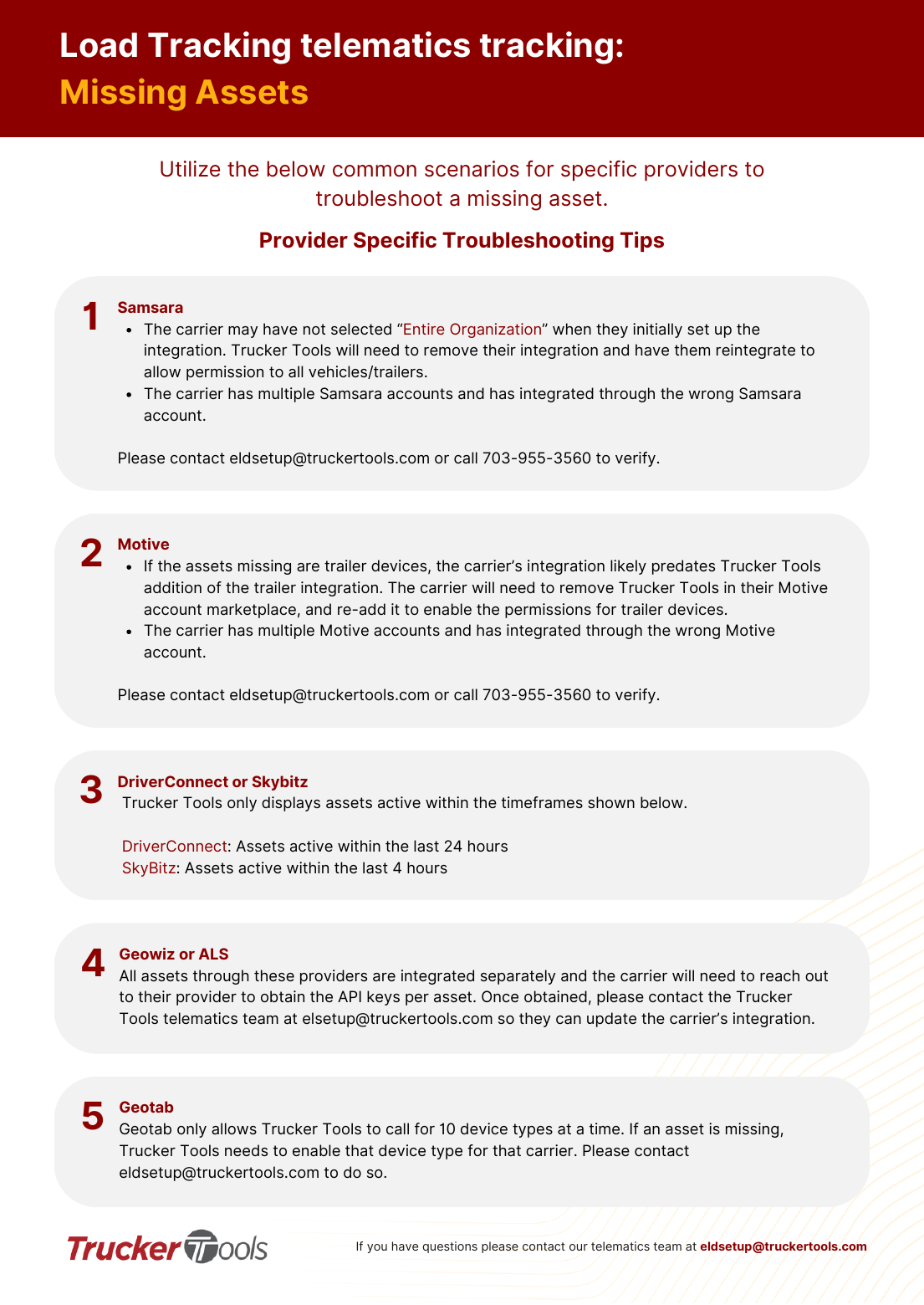
Samsara
The carrier may not have selected 'Entire Organization' during setup — the integration must be removed and re-added to grant access to all vehicles/trailers. Or they have multiple Samsara accounts and integrated the wrong one. Verify with [email protected].
Motive
Missing trailer devices usually mean the integration predates trailer support — the carrier removes Trucker Tools in their Motive marketplace and re-adds it to enable trailer permissions. Or they integrated the wrong Motive account.
DriverConnect / SkyBitz
Only assets active within a recent window show: DriverConnect = last 24 hours, SkyBitz = last 4 hours.
Geowiz / ALS
Assets integrate separately; the carrier obtains an API key per asset from the provider, then Trucker Tools updates the integration.
Geotab
Geotab allows calling only 10 device types at a time; if an asset is missing, Trucker Tools must enable that device type for the carrier.
📷 Show pictures⌄
💡 Questions: contact the telematics team at [email protected] or 703-955-3560.
AI summary
Source: Tracking Help Center — load-tracking help from the makers of BotLine.
Still stuck?
Ask the AI assistant a question, or check the FAQ.