Telematics tracking error statuses (and how to fix them)
Quick answer
What each common telematics tracking error means and the steps to resolve it.
Resolve these common errors to get a telematics (ELD) load tracking successfully.
Common error statuses
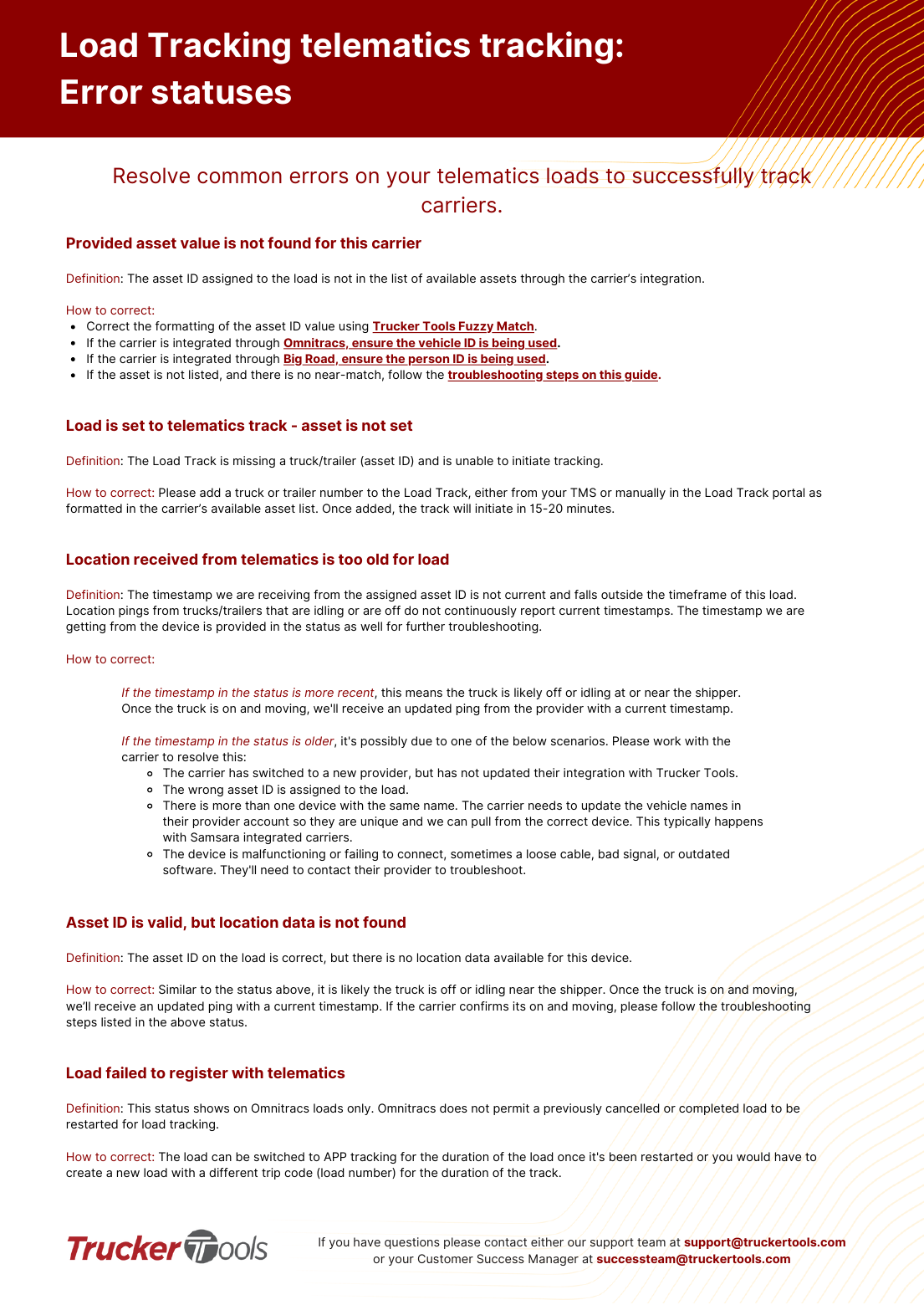
Provided asset value is not found for this carrier
The asset ID on the load isn't in the carrier's available-assets list. Fix the formatting with Trucker Tools Fuzzy Match. Omnitracs: use the vehicle ID. Big Road: use the person ID. If the asset isn't listed at all and there's no near-match, follow the missing-assets troubleshooting.
Load is set to telematics track — asset is not set
The load track has no truck/trailer (asset ID), so tracking can't start. Add a truck or trailer number from your TMS or manually in the Load Track portal, formatted as in the carrier's asset list. Tracking initiates in 15–20 minutes after it's added.
📷 Show pictures⌄
💡 For asset-not-found errors with no near-match, see 'Missing assets'. Questions: contact the telematics team at [email protected].
AI summary
Source: Tracking Help Center — load-tracking help from the makers of BotLine.
Still stuck?
Ask the AI assistant a question, or check the FAQ.